
Knowledge Base
Features of SiteLock
On the Dashboard you can view the Statistics of the Visitors :
You will get a count of Human Visitors,Bot Visitors and Shield Clicks from the Visitor Statistic
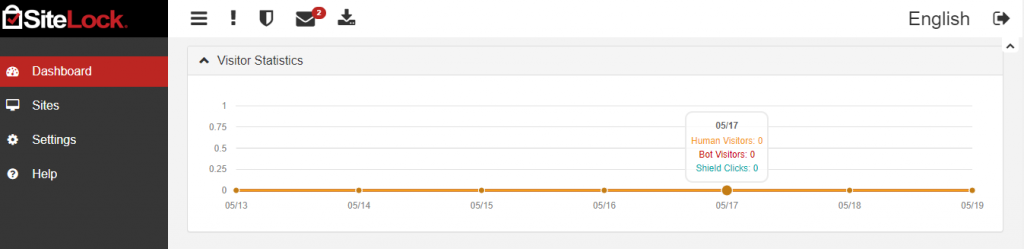
At the top of your dashboard, you will see:

- Clicking the SiteLock logo in the top left will always bring you back to the main dashboard page.
- Clicking these three lines will collapse the menu on the left side of the screen to only show icons. Click it again to expand it.
- The “!” icon will bring you to the compliance page.
- The seal icon allows you to bring up the Trust Seal settings.
- Clicking the envelope icon will show any SiteLock notifications you have i.e if any malware is detected.
- Clicking on the download icon will download the Security Summary Report.
On the left side of your dashboard you will see:
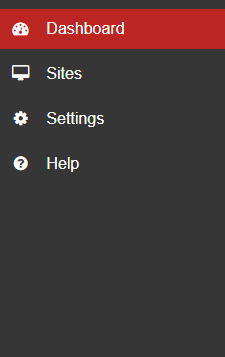
- Dashboard – This will always bring you back to the main dashboard page.
- Sites – This will take you to a page that displays all of your websites on your SiteLock account.
- Settings – This will take you to a page that lets you change a plethora of settings.
- Help – This will take you to the SiteLock help page which contains a lot of information about your products including setup, references, FAQs and more.

