
Knowledge Base
How do I change my PHP version in cPanel?
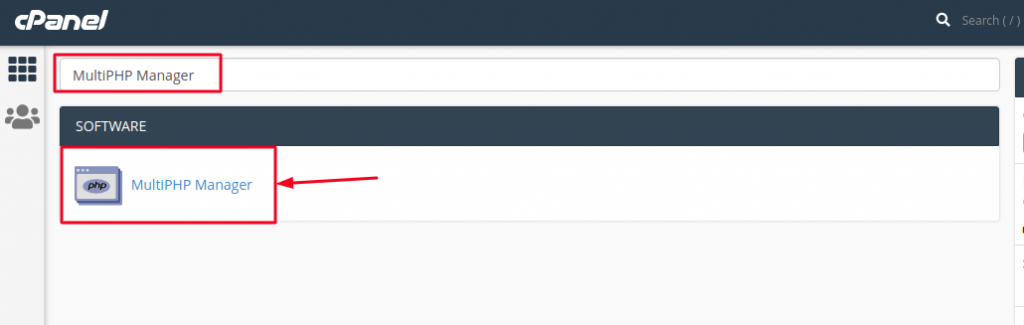
- Login to your cPanel account and search for MultiPHP Manager in Software section, as seen below and click on it.
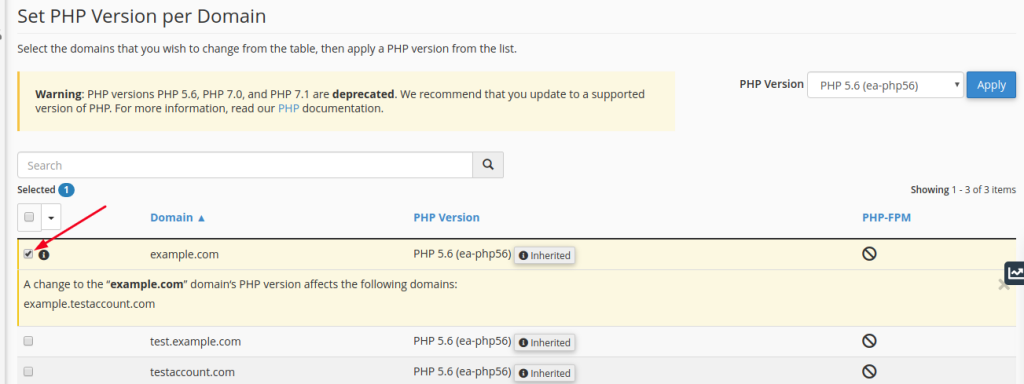
- Check the boxes on the row of each domain you want to change in the Set PHP Version per Domain section:
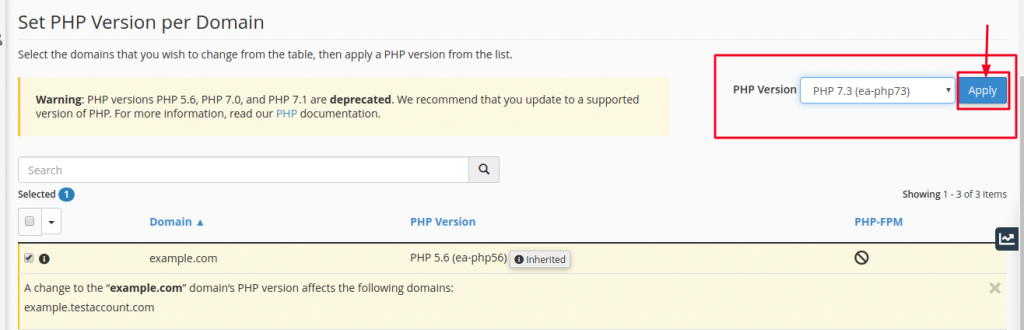
- Select the PHP version from the list on the right-hand side of the screen above the domain list, and then click Apply as shown below:
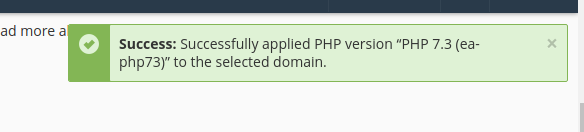
You will then receive a Success message that the PHP version has been applied successfully to the selected domain.
That’s it.

