
Knowledge Base
How to change O365 password?
- Login to control panel of Microsoft Office 365 using following URL: portal.office.com
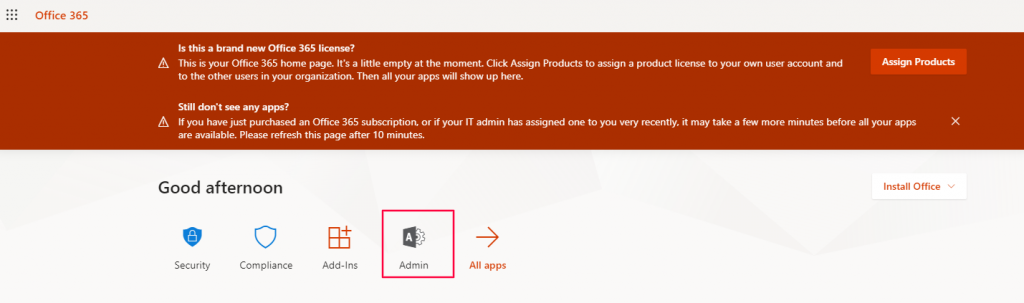
- Go to Admin Panel.
- Go to Users >> Active Users

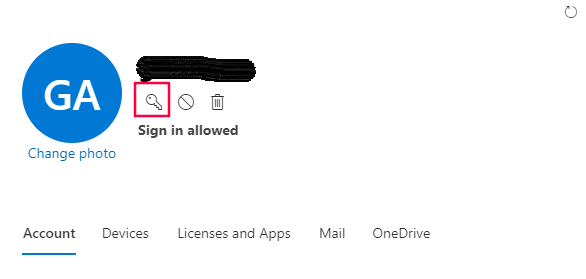
- You will get the list of Users. You can click on the Key Icon or click on the username and then click on the key option to change the password.
- If you want you can create the password automatically or you can enter the password manually.
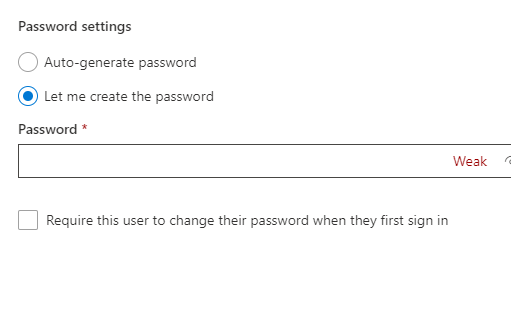
- Select the option of ‘Require this user to change their password when they first sign in’ if you want the user to change the password on their own.
- Click on Reset.

