
Knowledge Base
Viewing site statistics
When your site works fine and search engines return it in search results, it is the best time to evaluate site efficiency by viewing the visits statistics.
To find out how many people visited a site, from what countries, and what pages of the site they viewed:
- Go to Websites & Domains and locate the domain name for which you want to view the statistics.
- Click Web Statistics.
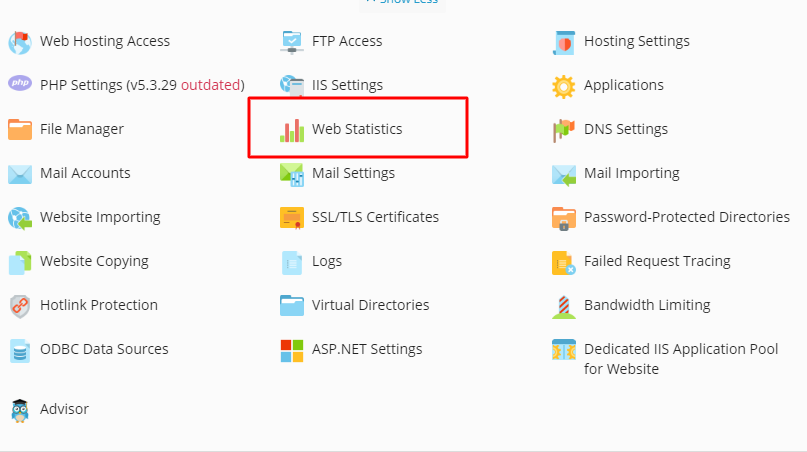
The site visitor statistics will show in a new browser window. Alternately, you can view the visits statistics for a site by visiting the following URL: https://your-domain.com/plesk-stat/webstat. When prompted for username and password, specify your FTP account username and password.

