
How do I change Language in cPanel?
Step 1: Login to your cPanel account with your Username and Password.
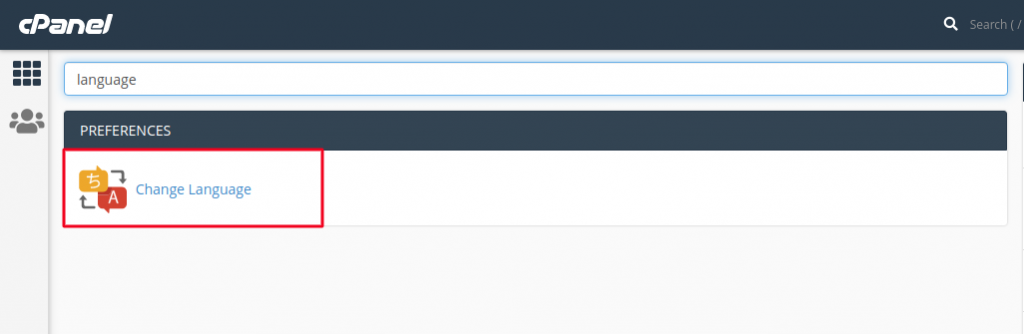
Step 2: Search for “Change Language” option under section Preferences and click on it.
Step 3: At this new page, you can see the default language is English, to change it, you have to choose any of the languages from the drop-down menu.
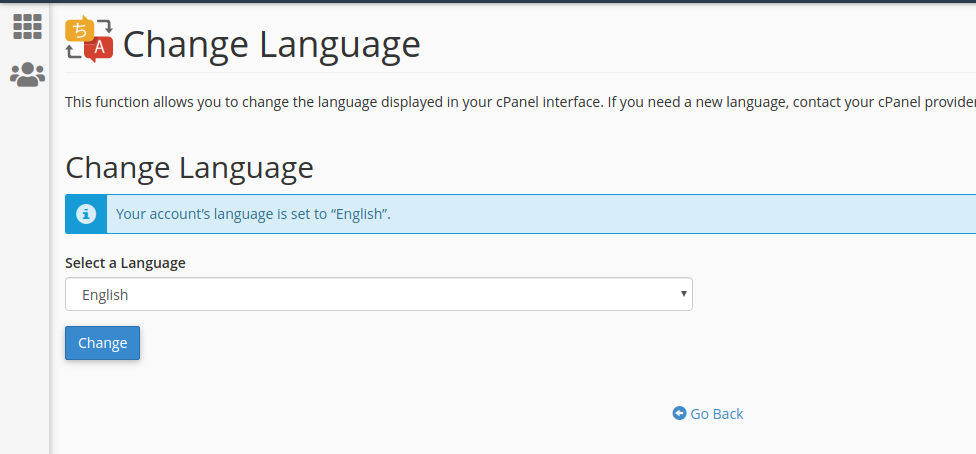
Step 4: In this example, I have decided to use German as my default language for cPanel. Click on Change button to save the changes.
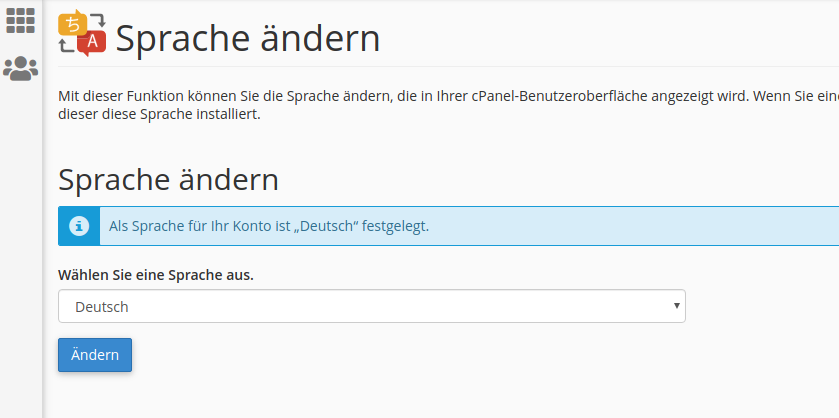
Step 5: Once you change it, you can see everything in German. Earlier, it was Change Language in English, but now it’s Sprache ändern in German.
Congrats, you have successfully changed the cPanel language. Unfortunately, it’s not possible to add all the languages support in cPanel, but you can easily find the major languages.

