Knowledge Base
How to create new tasks in ENTP Mail?
- Login into your email id using the URL: https://webmail.entpmail.com
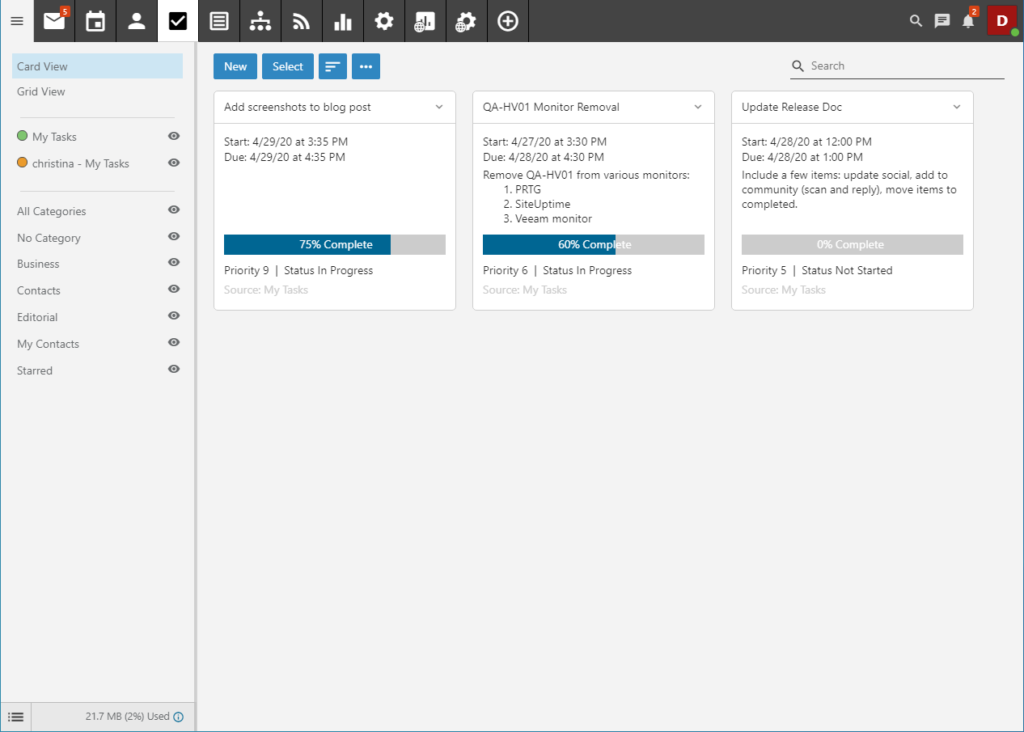
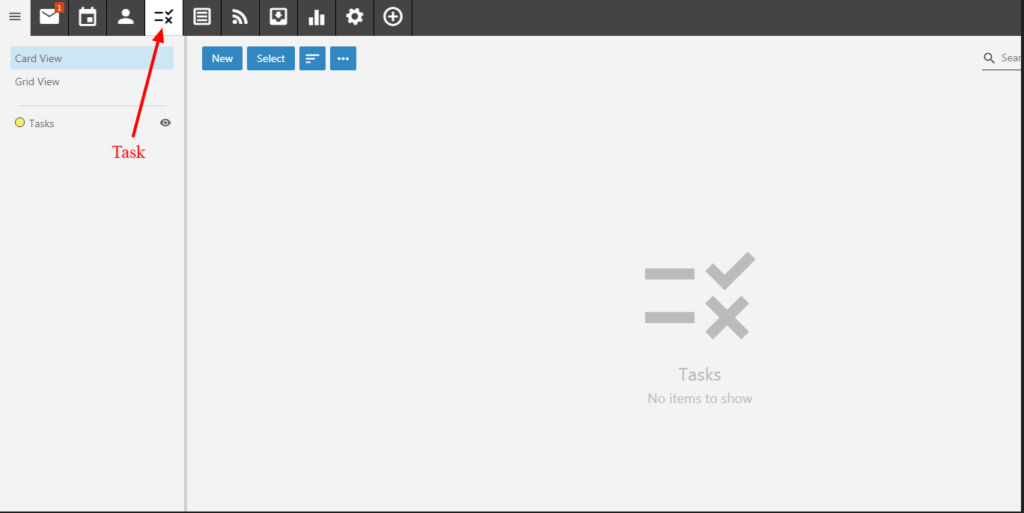
- On the above tabs, Click on Tasks icon.
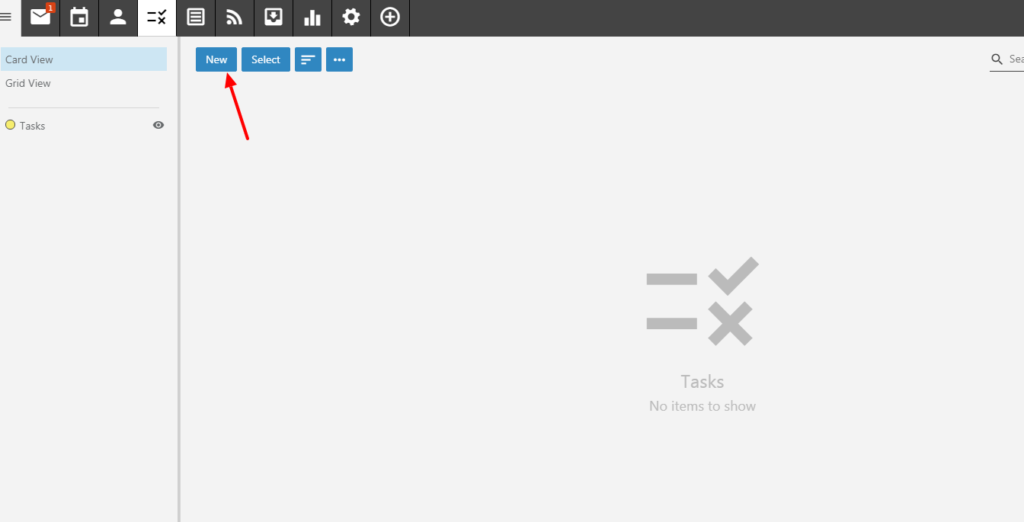
- To create a Task, click on New.
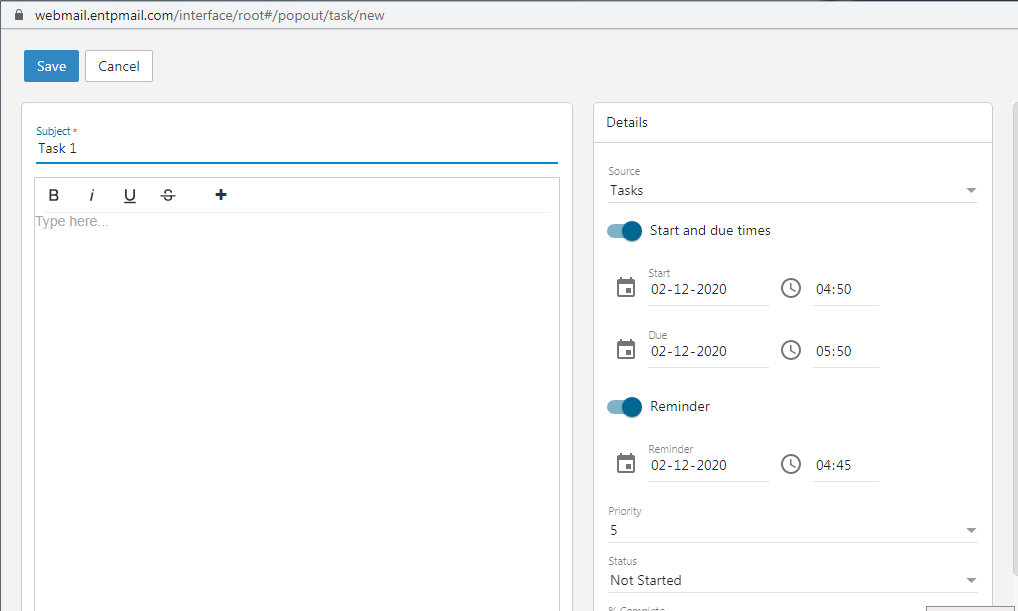
Enter the task and click on Save. If already created just click on the Task.