Knowledge Base
How to disable Login Challenges:
Google has very strict security and privacy policies. If as a user or an administrator you’re trying to login to a particular user account, it will prompt for OTP cause of the 2 step verification set on your account.
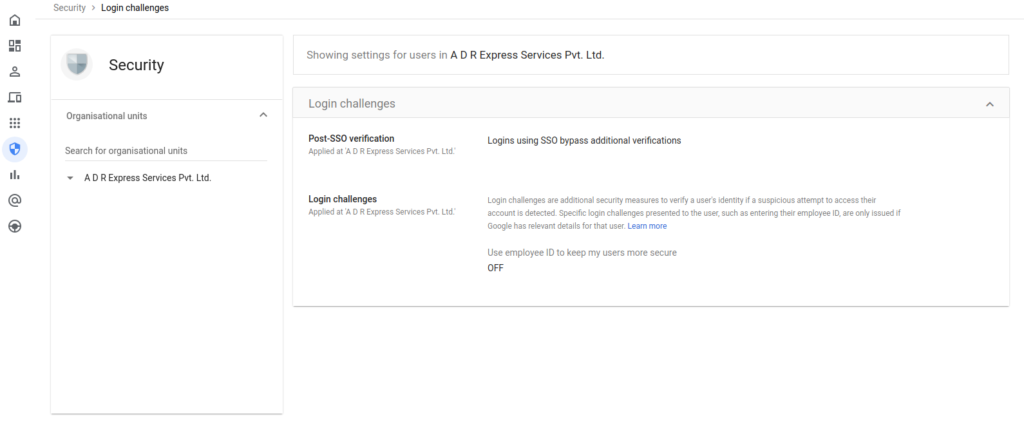
If you want to disable the login challenge for some time, you can do the same by the Admin Console:
- Log in to the Admin Console
- Go to the particular user ID for whom you want to disable the login challenge.
- Click on Security
- Scroll down and go to Login Challenges
- Click on the edit option on the right side
- Click on Turn Off For 10 minutes