
Knowledge Base
How to enable less secure apps setting in G Suite?
- Sign in to your Google Admin console.
- From the Admin console Home page, go to Security >>Less secure apps.
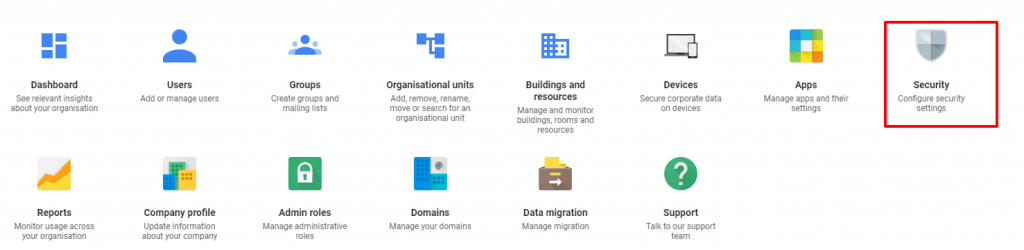
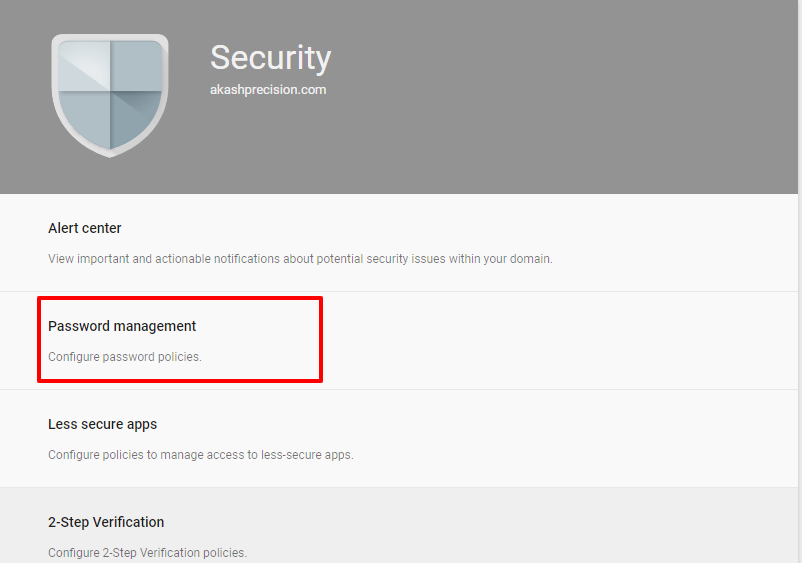
- To apply the setting to everyone, leave the top organizational unit selected. Otherwise, select a child organizational unit or a configuration group.
- Select the setting for less secure apps:
- Disable access to less secure apps (Recommended):
- Users can’t turn on access to less secure apps.
- When you disable access to less secure apps while a less secure app has an open connection with a user account, the app will time out when it tries to refresh the connection. Timeout periods vary per app.
- Allow users to manage their access to less secure apps:
- Users can turn on or turn off access to less secure apps.
- Disable access to less secure apps (Recommended):
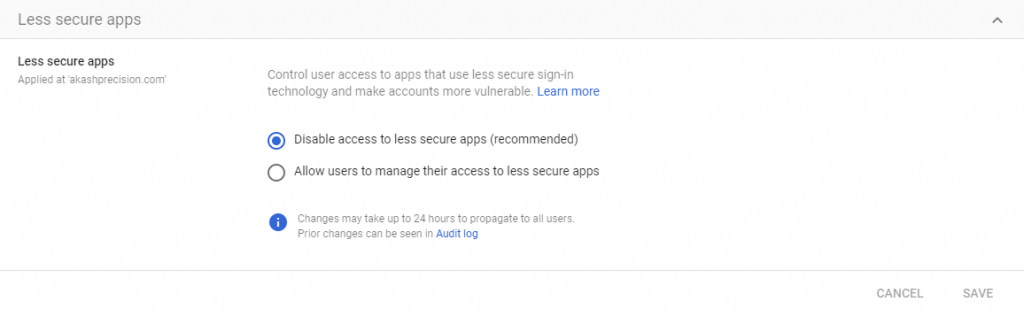
- Click Save.

