
Knowledge Base
How to monitor the server using WHM?
In this article we will briefly cover the basics of monitoring your server via WHM. By following this steps you will know how to find: Apache status, service status and resource usage.
- Login to your WHM account and type “status” in the Search box on the left pane, as shown below, and you see some sorted items.
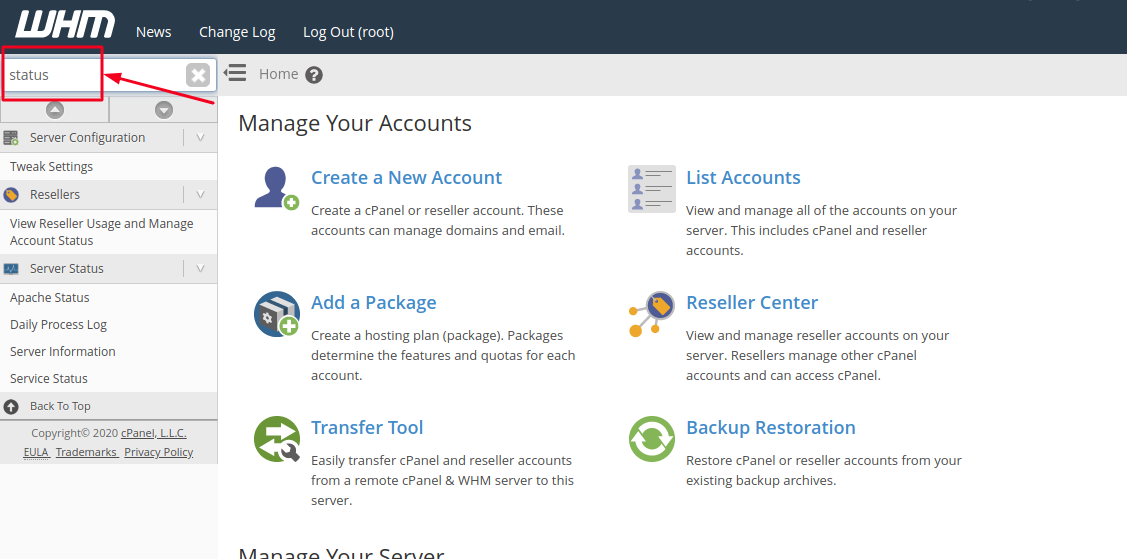
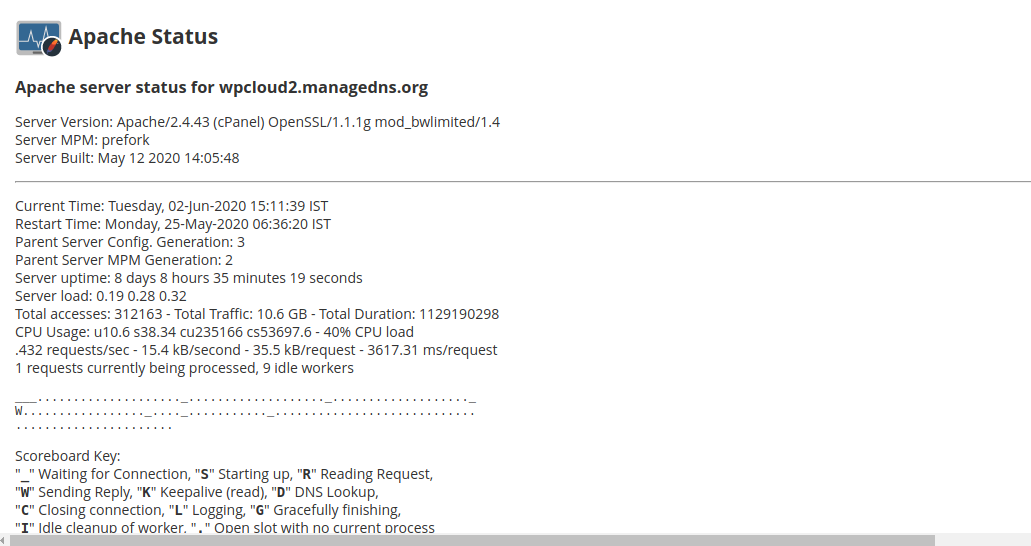
- Click on Apache Status from the search list. This will show you the current state of Apache on the server.
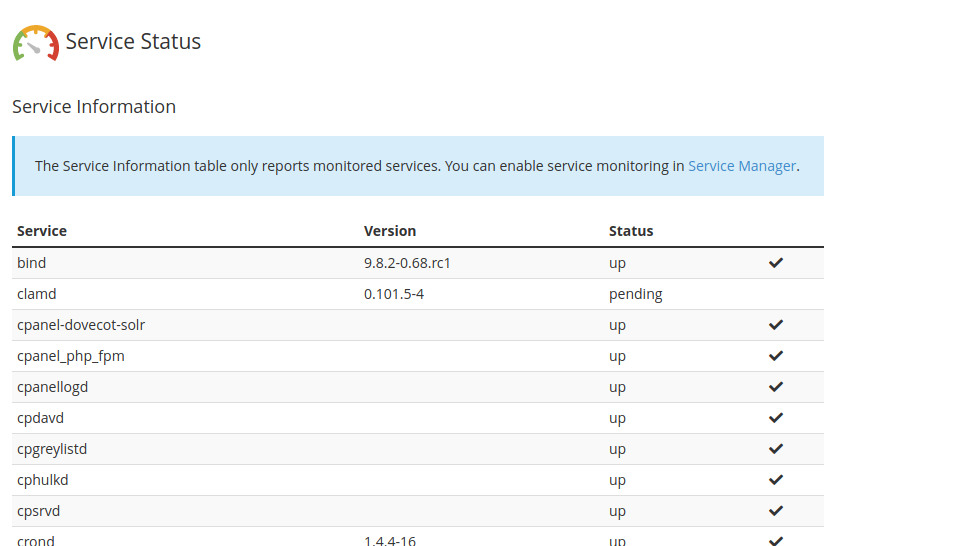
- Now, click on Service Status from the search list. This will open the service status page, here you can view the status of various services running on the Server as below.
 If there is a problem with any of the services then the Status of the respective Service will show as down and will be displayed in Red backgroud.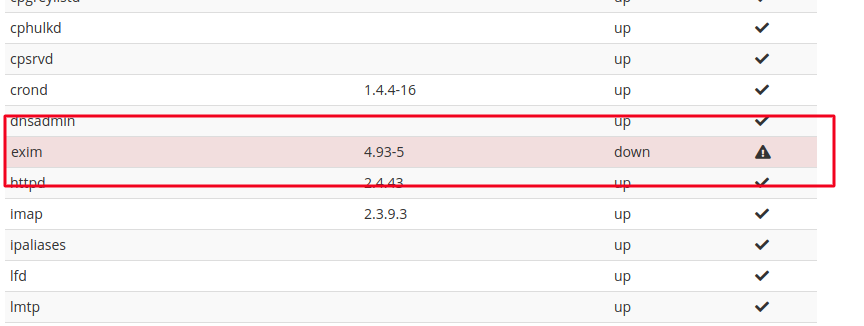
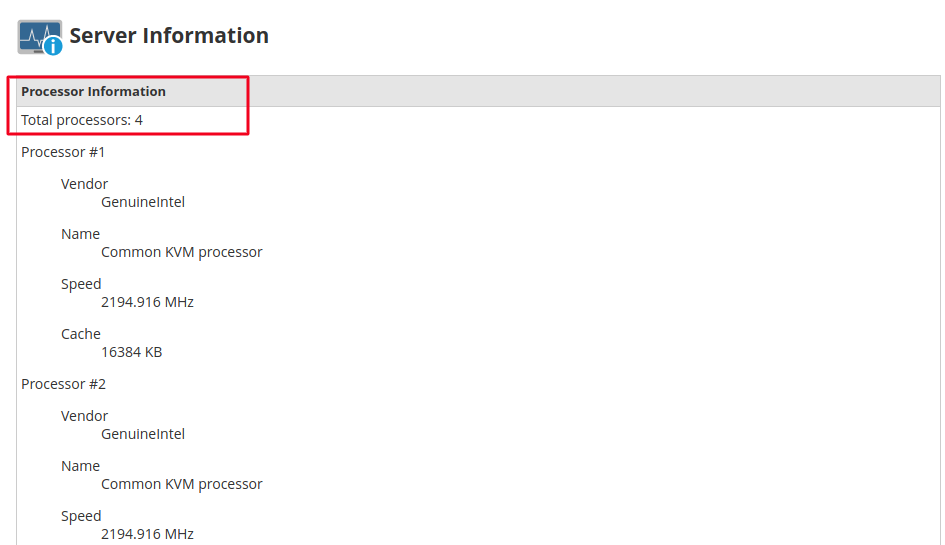
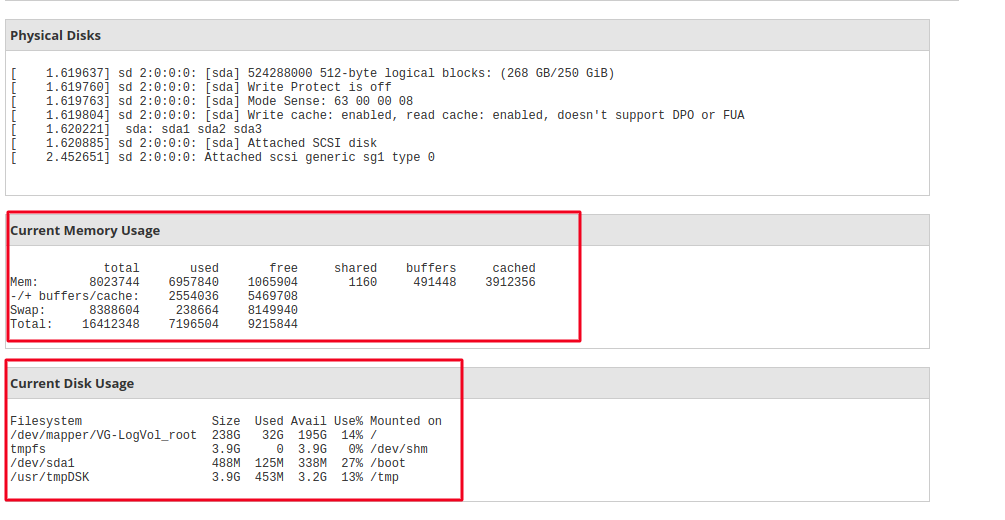
- Now, click on Server Information from the search list, here you will be able to see the CPU, current Memory utilization and current Disk usage of the Server.
 By following this steps mentioned in the article, you should now know how to monitor your Server’s overall status and the status of various services running on the Server. Hope this was helpful.

