Knowledge Base
How to set up recovery email ID in Gsuite
A. Recovery Set up via Admin Console.
- Sign in to your Google Admin console.
- From the Admin console Home page, go to Security.
- Go to Overview, scroll down to Account Recovery.
- To apply the setting to everyone, leave the top organizational unit selected.
- Click User account recovery.
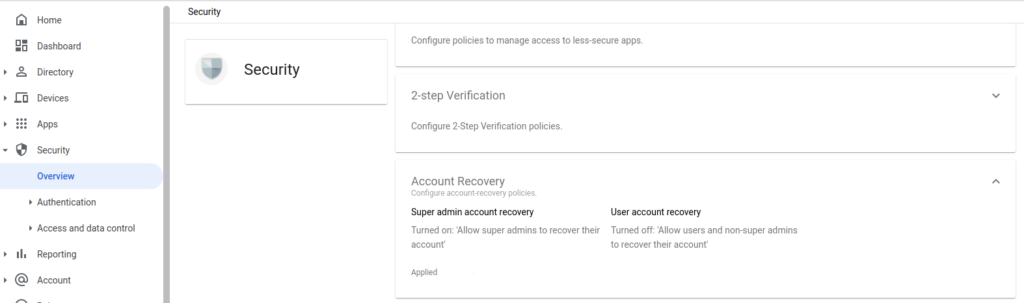
- Click Allow users and non-super admins to recover their accounts.
- Click Save
B. Recovery Set up via User account.
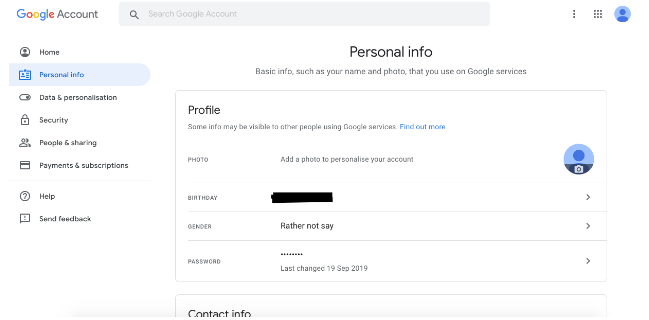
Go to your Google Account and follow the below steps:
- On the justify navigation panel, click Personal info.
- On the Contact info section, click Email.
- From here, you can: Add a recovery email. Change or delete your recovery email: Next to your email, select Edit .
- Follow the steps on the screen.