
How to use feature manager in WHM?
Content: Feature Manager option in WHM helps you to determine the features that you would like to make available in the cPanel of your accounts thereby controlling the features that you provide in the web hosting packages.
Here, I will walk you through the steps to manage the Feature list in WHM:
1. Log in to your WHM account with the Servers Root password.
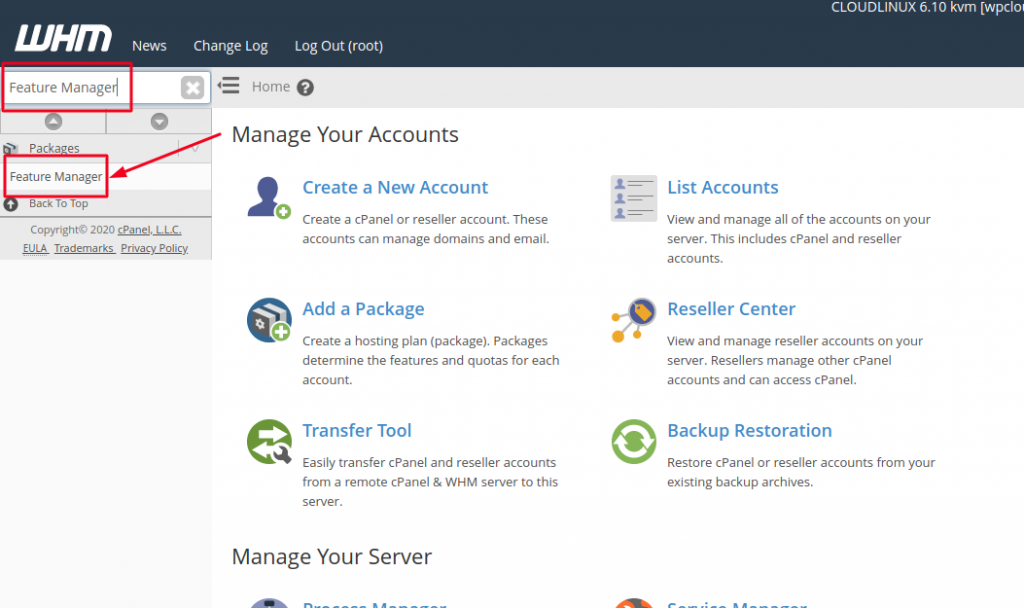
2. After you are logged in Search for Feature Manager and select it from the justify pane.
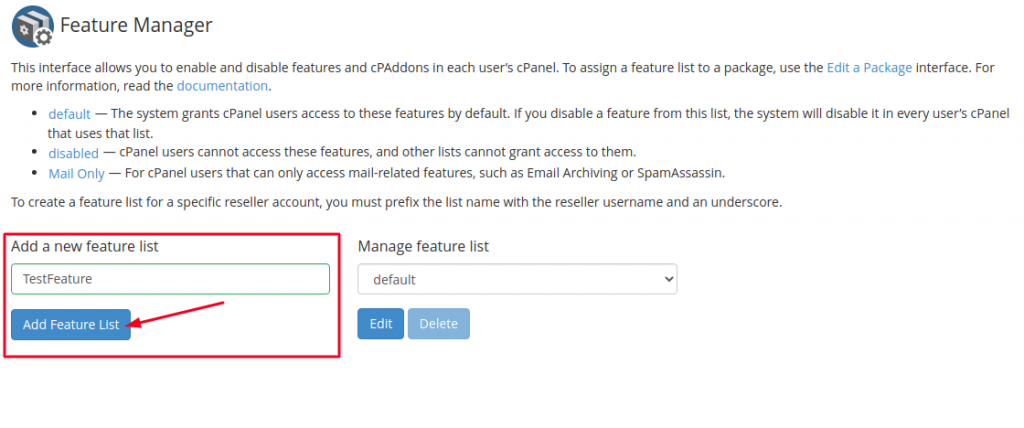
3. In order to create a new Feature list, first enter the name for the Feature List in the box and then click on Add Feature List button.
4. The default cPanel features which are mostly required are by default checked; you can remove the features that you don’t want to add by unchecking them.
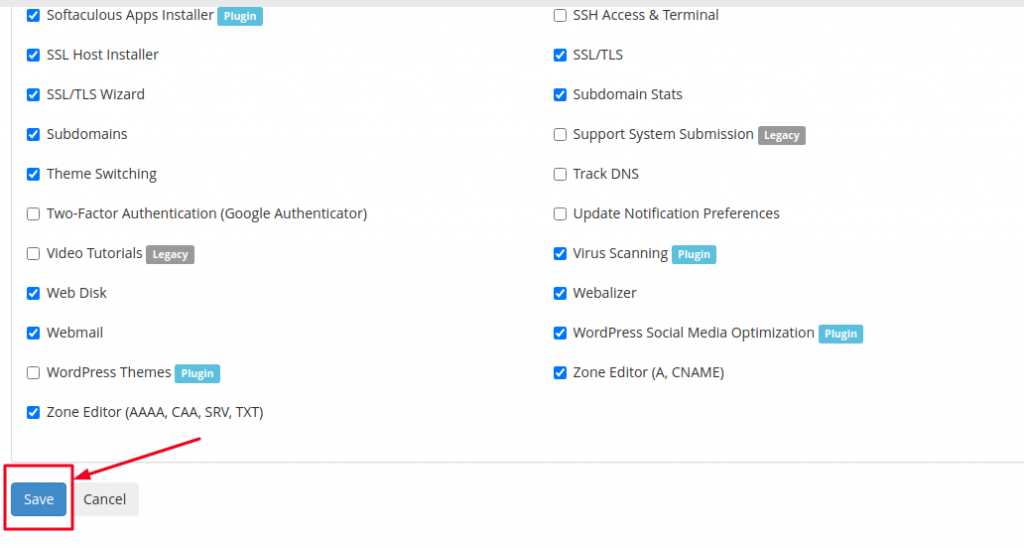
Once you are done selecting all your desired features, click on Save.
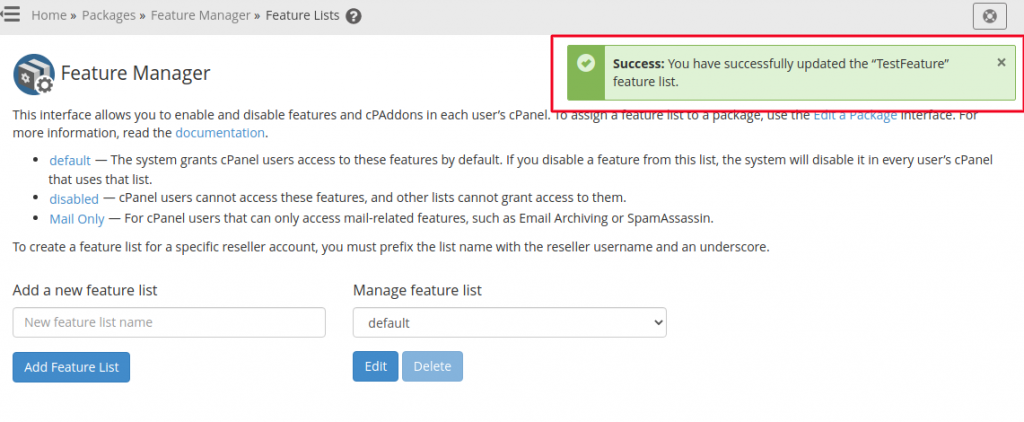
Upon successful creation of the Feature list, you will receive a success pop-up as below.
Hope this tutorial was useful for you.

