Knowledge Base
Transfer Subscription from one customer to another
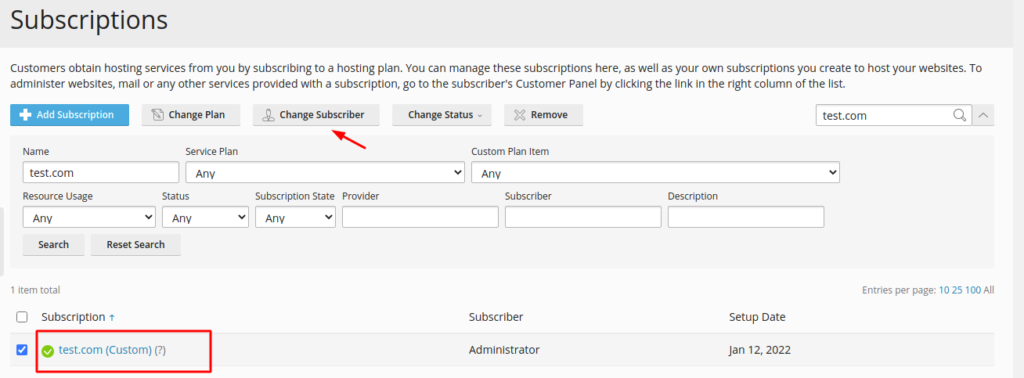
- Go to Subscriptions, and select checkboxes near the subscriptions that you are going to reassign.
- Click Change Subscriber.
- Select a new subscriber(customer) and click Next >>.
- Review the information about the changes to be made to the subscription settings and click OK.
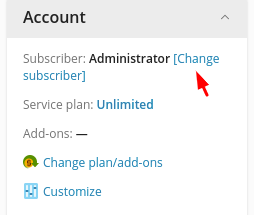
Alternatively, to transfer a single subscription, click the corresponding subscription name in Subscriptions and click Change subscriber in the right sidebar under Account.