
Knowledge Base
Assigning super admin role to users in g Suite
- Login to Gsuite Admin account accessing below URL: admin.google.com
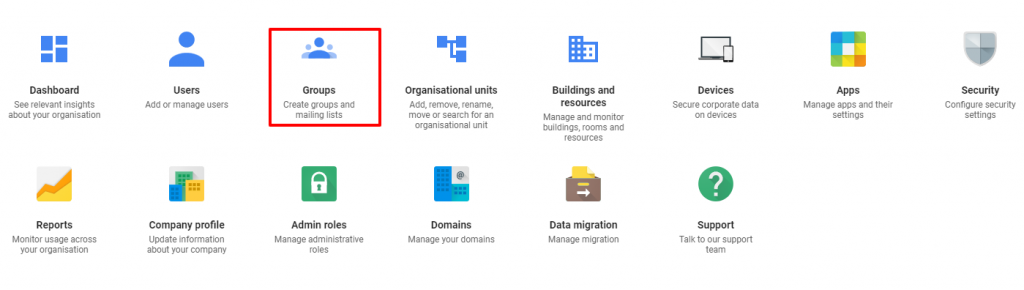
- From the Admin console Home page, go to Users.
- In the Users list, find the user.
- Click the user’s name to open their account page.
- Click Admin roles and privileges.

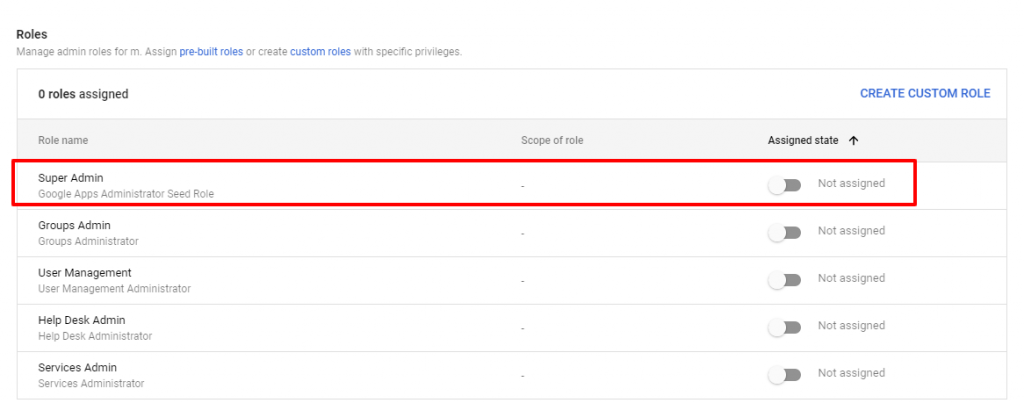
- Click the Super Admin role. This displays a slider next to each role.
- Next to the Super Admin role, click the slider so it’s marked Assigned
- Click Save.
Tip: In the Privileges section below, you can see all the user’s privileges.
Note:
- The user typically becomes an admin within a few minutes. However, it can take up to 24 hours.
- When an admin with the Super Admin role signs in to their account, they arrive at the ‘Admin console Home page’.

