
Knowledge Base
How can I change my password in cPanel?
If you remember your old password, follow the below steps after logging in to your account:
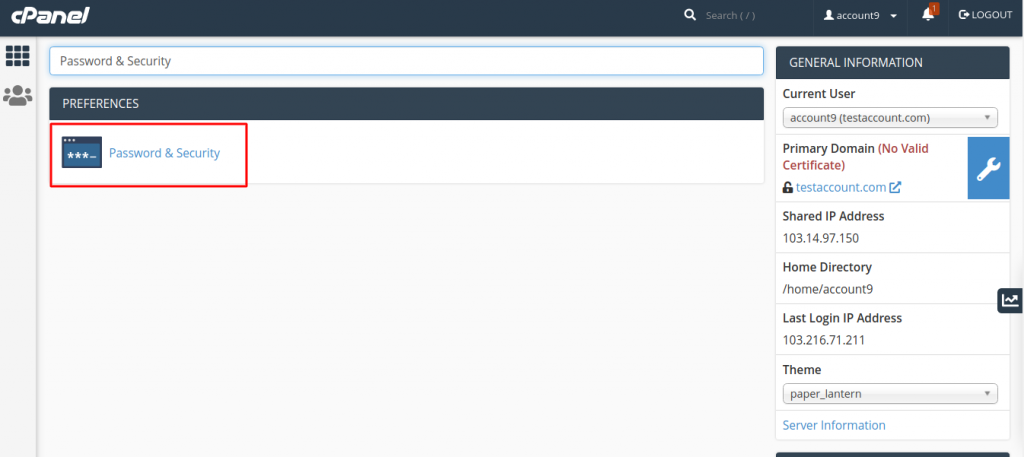
- Search for Password & Security on the Home page and click on it to navigate to cPanel’s Password & Security interface.
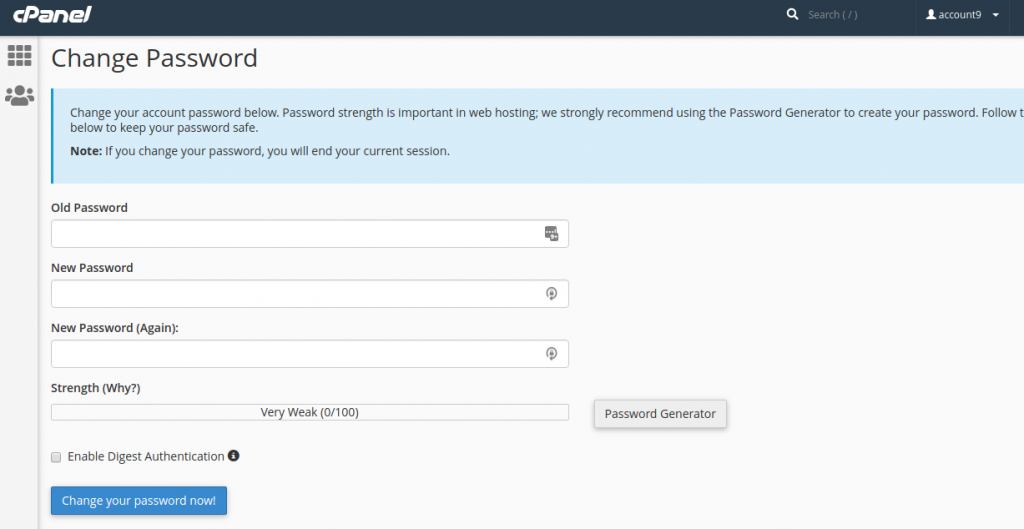
- Enter the Old Password and the New Password and then click on “Change your Password now!” button. Always remember to use complex password to avoid any kind of hacking.
In case you’ve forgot your password, you may simply mail to our support team on support@qualispace.com who can assist you to reset the password.

