Knowledge Base
How do I log in to cPanel?
- Type: https://IP:2083 into your preferred Internet browser.
- IP is meant to stand for your website’s IP address.
- After approximately 4-8 hours of starting your website, you will be able to access your cPanel interface by replacing the IP address with your domain name.
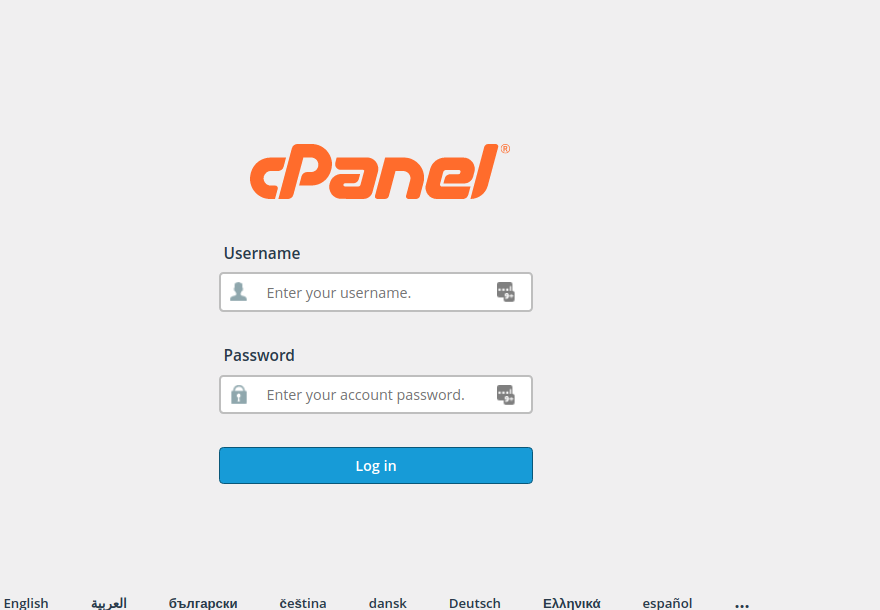
- Enter your cPanel username into the Name field.
- Enter your password into the Password field.
- Click Login.
- You will be greeted by a cPanel startup page on your first login. We strongly recommend completing the Getting Started Wizard.