
Knowledge Base
How to change MySQL user password from cPanel?
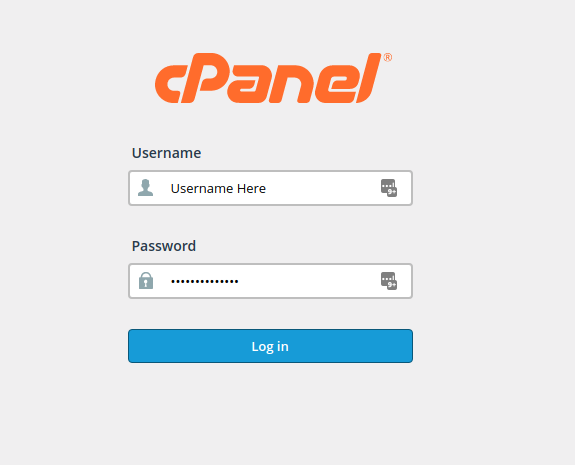
- Login to your cPanel account with provided credentials.
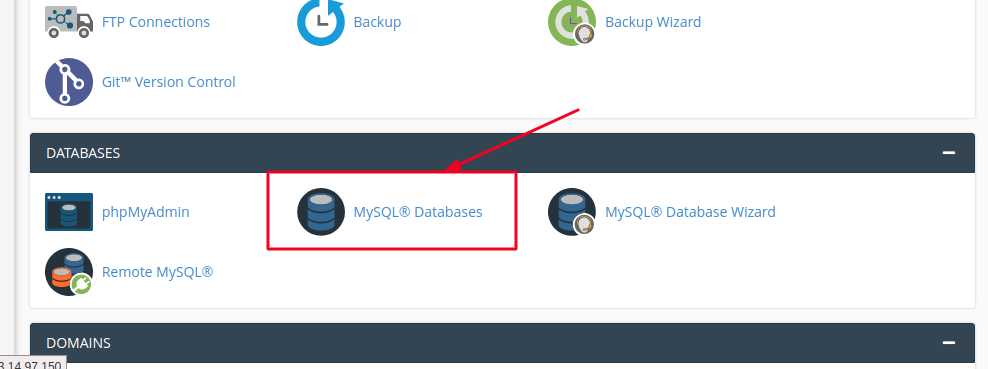
- Click on MySQL databases under Databases section in cPanel as shown below:
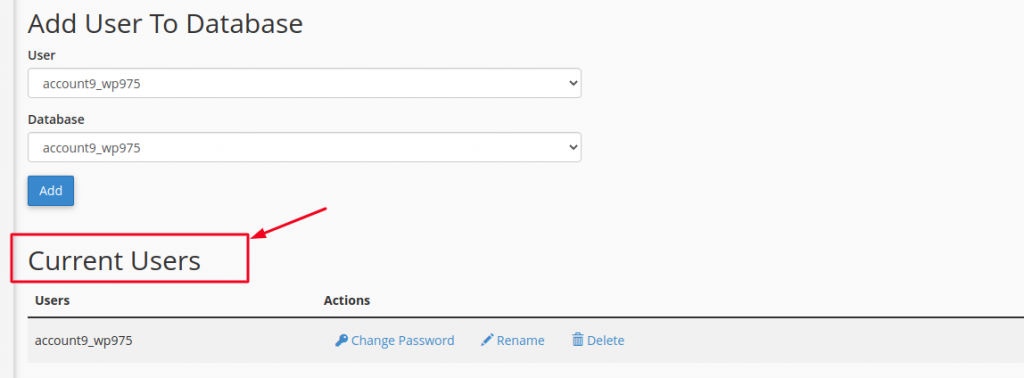
- Scroll down to the Current Users section, which is usually at the bottom of the page and locate the Database User for which you wish to change the password.
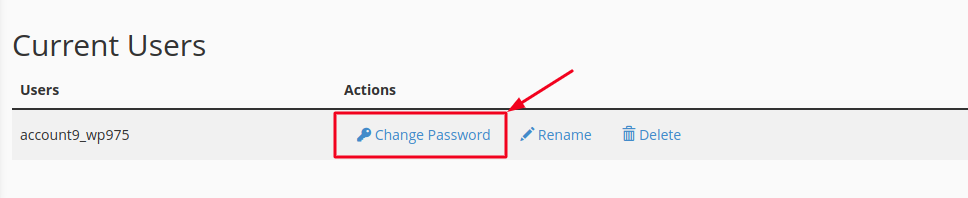
- Click on Change Password option as shown below:
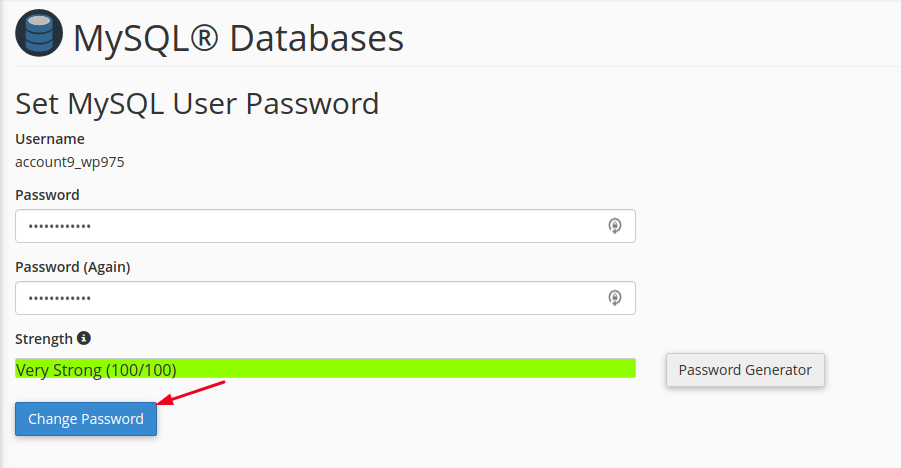
- Enter the password twice in Password field and then click on Change Password.
- Upon clicking Change Password, you will receive a Sucess message as “You have successfully set this user’s password”, just click on OK.
That’s it. You’ve successfully changed the Database User password.

