Knowledge Base
How to check RAM size in CentOS/Redhat
You can use any one of the following command line to view the ram size under Red hat Enterprise Linux desktop or server based system:
- /proc/meminfo file –
- free command –
- top command –
- vmstat command –
Examples:
Open a command-line terminal and then type the following commands:
$ cat /proc/meminfo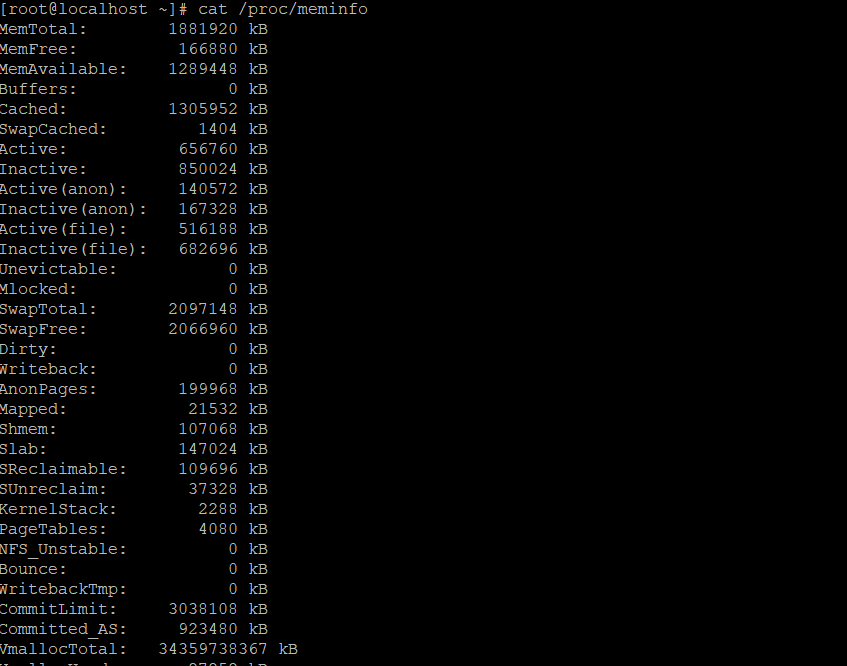
Redhat Linux: free command
To display amount of free and used memory (including total in the system), enter:
Free -m sample output
$ free -m
Free -g sample output
$ free -g
Free -k sample output
$ free -k
Redhat Linux: top command
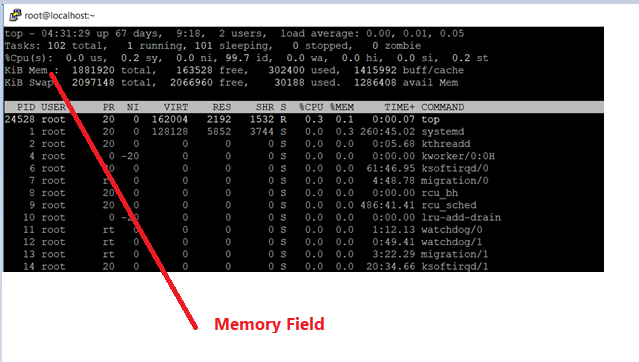
The top command can also display total and used memory:
$ topSample outputs:
Other commands
The vmstat command can display memory statistics including additional information about processes, paging, block IO, traps, and cpu activity. Type the following command:
$ vmstat
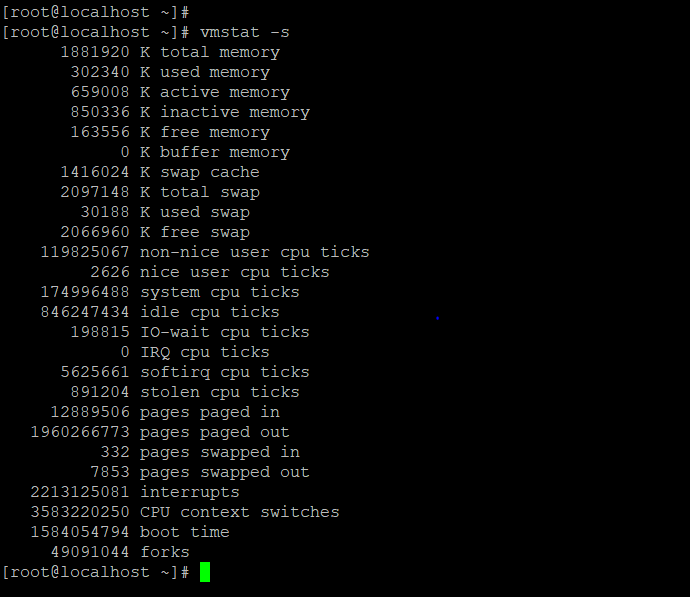
$ vmstat -s
Vmstat output

Vmstat -s output:- display memory statics