
Knowledge Base
How to create user account in G Suite?
Introduction:
G Suite is a rich communication suite packed with newest technologies like Online Storage, Video Meetings, Shared Calendars, Gmail, Drive, Docs, Sheets, Slides, Sites and more with cutting-edge security infrastructure to promote your business efficiently.
G Suite mail can access your emails from the gmail web interface and simultaneously you can configure the same on your favorite email clients like Outlook, Thunderbird and all others which support POP and IMAP protocols.
You can send upto 2000 emails per day from each mailbox.
- Login to your Gsuite Admin account using the URL: admin.google.com Username will be the email ID who have the Admin rights and the password for the same.
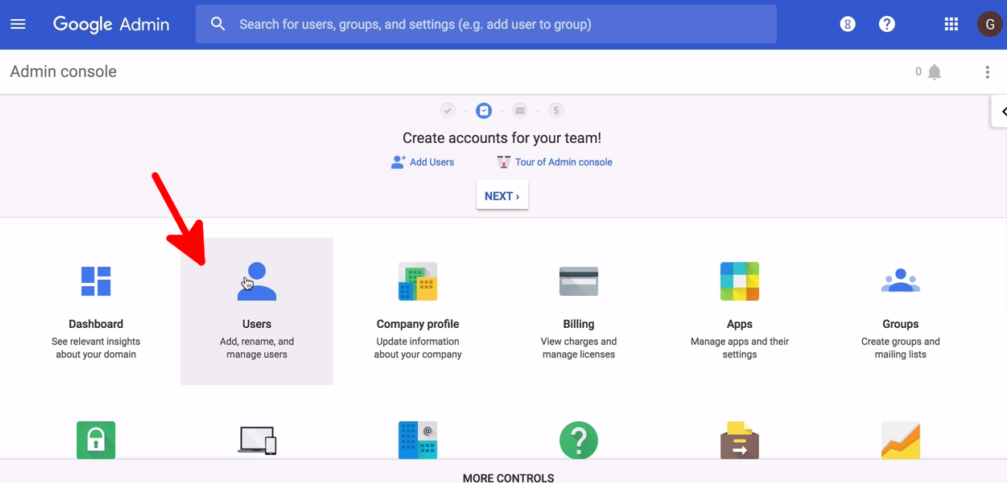
- Go to Users
- Create Add new user.

- Enter the required details and click on Add user.

