
Knowledge Base
How to reset user password in G Suite?
- Login to your Gsuite Admin account using the URL: admin.google.com Username will be the email ID who have the Admin rights and the password for the same.
- Go to Users.
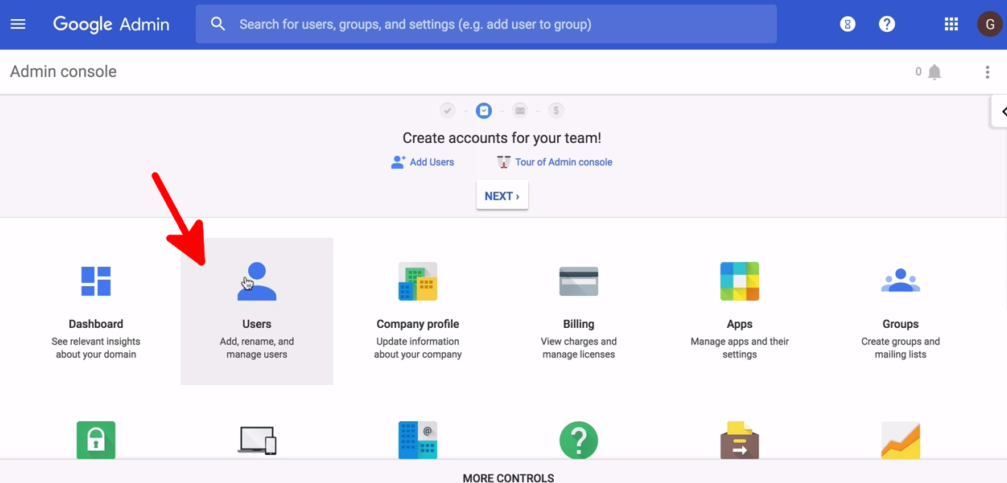
- Click on the Username for which you want to reset the password.
- Click on Reset password.
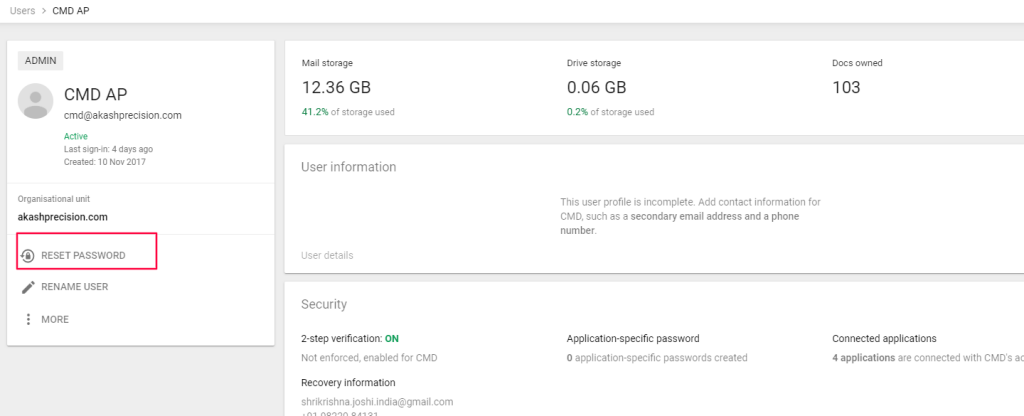
- Enter the new password. Turn on ‘Ask for a password change at the next sign-in’ if you want the user to change the password on their own when they first login or else you can turn it off.
- Click on save.

