
Knowledge Base
How to start/stop service in Plesk
To see the list of services, go to Tools & Settings > Server Management > Services Management.
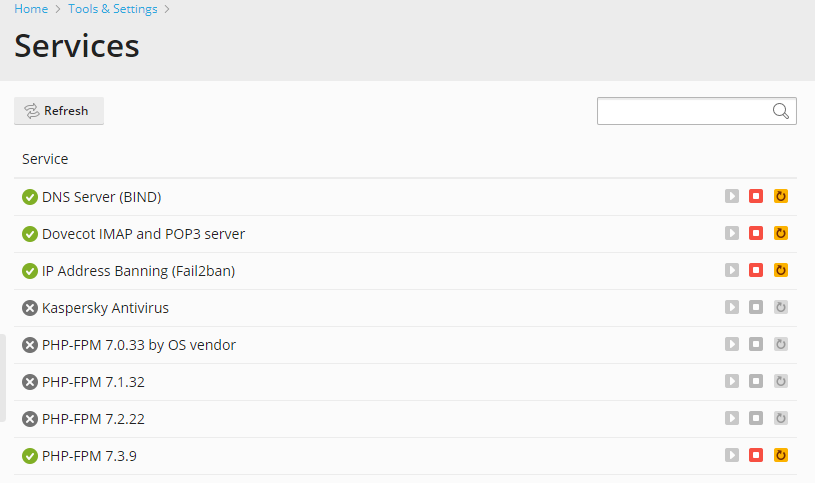
The  icon next to the name of a service indicates that it is currently running. The
  icon indicates that the service is currently stopped.
To start, stop and restart a service
To start a service:
Click the  icon corresponding to the service you wish to start.
To stop a service:
Click the  icon corresponding to the service you wish to stop.
To restart a service:
Click the  icon corresponding to the service you wish to restart.
To change a service startup type
On Plesk for Windows servers, you can specify the startup type for any service:
- In the “Startup Type” column, click the currently selected startup type for the service.
- In the pop-up window select the desired startup type.
- Click OK.

