
Knowledge Base
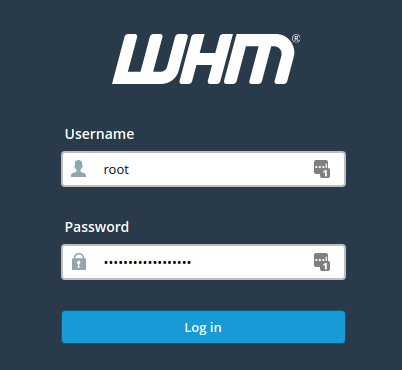
How do I access WHM?
WHM i.e. Web Host Manager is a software interface which will allow you to easily monitor your server without actually knowing the exact Linux commands. It is an administrative access tool for the backend of the cPanel account in which one can create a cPanel account to avail hosting accounts. Users can easily manage all of their websites with the help of WHM.
The Web Host Manager makes it easy for anyone to have their own dedicated server, even if they little or no knowledge of Linux Operating System.
You can access WHM by accessing any of the below links: http://IP:2086/ (without SSL) https://IP:2087/ (with ssl)
Features of WHM:
- Launch cPanel user accounts and create custom hosting packages for your customers. Choose the services you want to provide, create pricing tiers, and scale your hosting business.
- Migrate new customers with ease using Transfer Tool.
- Protect your machines and your customers with all of the security tools baked into cPanel & WHM.
- Blacklist or whitelist individual IPs or entire regions and countries
- You can also view, analyze, & diagnose server statistics and resources.

